
The world of User Experience (UX) design is shifting beneath our feet. Not long ago, UX designers spent weeks gathering user data, building personas from scratch, and manually testing wireframes. Today, Artificial Intelligence (AI) is transforming that landscape from a slow, manual grind into a fast, data-driven ecosystem.
If you are a designer, a product manager, or a business owner, learning how to use AI to improve your UX isn’t just an advantage anymore—it’s a necessity. But how exactly do you blend algorithms with human-centric design? And where can you learn to master this balance?
Let’s dive into how AI can elevate your design process, and how training with the Best UI UX Academy can set you up for long-term success.
Why AI and UX are a Perfect Match
AI isn’t here to replace human empathy—the core of good UX. Instead, think of AI as your super-powered assistant. It excels at parsing massive amounts of data, recognizing user patterns, and automating repetitive tasks. This frees you up to focus on what humans do best: strategic thinking, emotional connection, and creative problem-solving.
When you integrate AI into your workflow, you can:
- Analyze user behavior at scale instantly.
- Hyper-personalize user interfaces in real time.
- Automate tedious prototyping and code-generation tasks.
- Predict design flaws before your product even launches.
At DOTIN, we believe that the future belongs to designers who know how to co-create with technology. We build these cutting-edge methodologies directly into our design philosophies to ensure products are intuitive, smart, and deeply human.
4 Practical Ways to Use AI to Improve Your UX

Let’s get tactical. How can you actually implement AI into your daily UX workflow? Here are four major areas making a massive impact right now.
1. Advanced User Research and Predictive Analytics
Traditionally, user research involves interviews, surveys, and hours of manual synthesis. AI tools can analyze thousands of user sessions, heatmaps, and feedback logs in minutes.
Tools like predictive heatmaps use machine learning models trained on millions of eye-tracking data points to predict exactly where users will look on your dashboard before it even goes live. This allows you to optimize your visual hierarchy instantly.
2. Hyper-Personalization
Static user experiences are becoming obsolete. AI allows interfaces to adapt dynamically based on individual user behavior, location, history, and preferences.
- Dynamic Content: Showing users what they need, exactly when they need it (think Netflix or Spotify algorithms applied to SaaS dashboards).
- Adaptive Interfaces: Modifying layouts or accessibility settings based on how a user interacts with an app over time.
3. Smarter Prototyping and Wireframing
Stuck on a blank canvas? AI layout generators can turn text prompts or rough sketches into functional digital wireframes. While these generated designs always need a human touch to refine the nuances, they drastically cut down the initial brainstorming time from days to hours.
4. Continuous Automated Usability Testing
Instead of waiting to gather a test group for every single iteration, AI-powered user testing platforms can simulate user journeys based on established persona data. They can flag confusing navigation patterns, broken workflows, or accessibility issues instantly, giving your team immediate feedback loops.
Human vs. AI: Striking the Right Balance
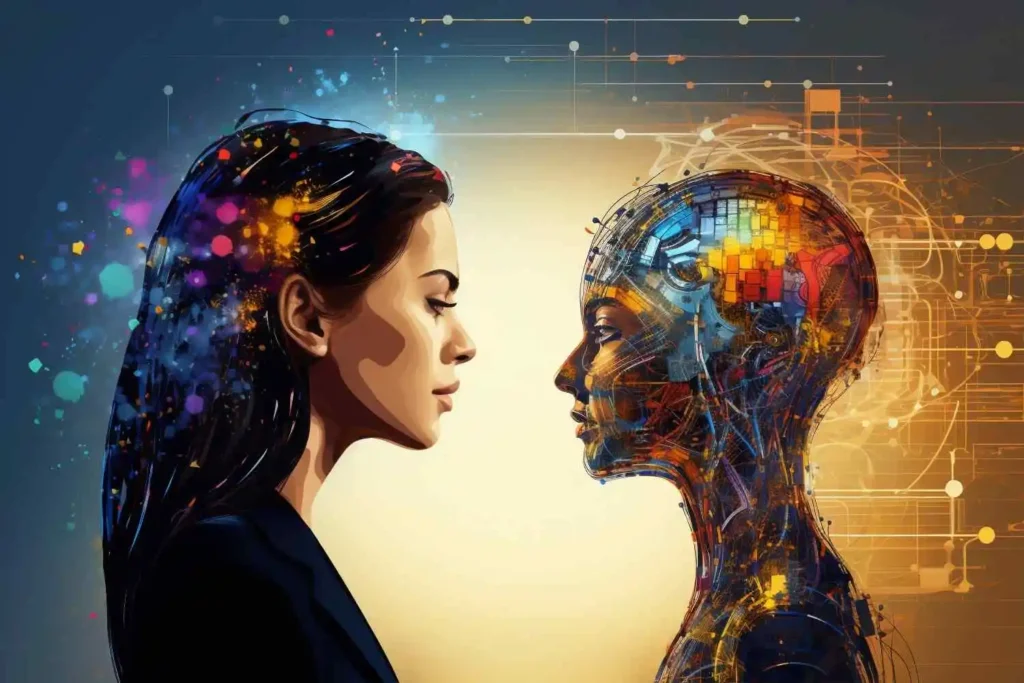
To build truly exceptional products, you must understand what to delegate to tech and what to keep in human hands.
| Feature/Task | Where AI Excels | Where Humans Win |
| Data Processing | Analyzing huge chunks of quantitative feedback. | Understanding the why behind emotional user pain points. |
| Speed & Scaling | Generating dozens of layout variations in seconds. | Choosing the design that aligns with the brand’s long-term vision. |
| Empathy & Inclusion | Checking technical accessibility guidelines (WCAG). | Designing for cultural nuances and genuine human connection. |
| Problem Solving | Predicting errors based on historical data patterns. | Thinking outside the box to innovate completely new solutions. |
At DOTIN, we teach our teams and partners that relying entirely on automated tools leads to generic, uninspired designs. True innovation happens when AI handles the heavy lifting, leaving room for human ingenuity to create magic.
How to Get Started with AI-Driven UX
If you’re ready to start incorporating these tools into your workflow, follow this simple roadmap:
- Start with Small Tasks: Don’t try to automate your whole process overnight. Begin by using AI to summarize user interview transcripts or generate initial placeholder copy (UX writing).
- Use AI for Visual Inspo: Use generative image tools to create mood boards and explore unique color harmonies or stylistic concepts quickly during early discovery phases.
- Analyze the Data: Drop your quantitative user analytics into an analytical tool to spot drop-off trends in your user funnels.
- Invest in Structured Learning: Tools change every single month. To stay ahead of the curve, you need a foundational understanding of both classic UX principles and modern tech workflows.
Learning this mix on your own can feel overwhelming. That’s why enrolling in a program recognized as the Best UI UX Academy is the fastest way to future-proof your career. Proper training ensures you aren’t just learning how to use a specific software plugin, but mastering the core frameworks of AI-human collaboration.
Elevate Your Design Journey with DOTIN
The design landscape is evolving rapidly, and the demand for forward-thinking UX professionals has never been higher. At DOTIN, we bridge the gap between foundational design thinking and cutting-edge technology. Whether you are looking to build a product that users love or trying to upgrade your digital skill set, understanding modern, tech-enhanced UX is your golden ticket.
Don’t let the future pass you by. Embrace the automated revolution, enhance your creative workflows, and build seamless digital experiences that make a difference.
Frequently Asked Questions (FAQ)
Will AI replace UI/UX designers?
No. AI is a powerful tool, but it lacks empathy, emotional intelligence, and strategic vision—the foundational pillars of great UX. It replaces repetitive tasks, not the designers themselves. Designers who know how to use AI, however, will likely replace those who don’t.
What are some popular AI tools for UX design?
Tools like Attention Insight or Vasjen are fantastic for predictive heatmaps. For quick wireframing and copy generation, UI tools built directly into Figma, alongside specialized research platforms like Consider.ly, are incredibly helpful.
Why should I look for the Best UI UX Academy to learn these skills?
Because the field shifts daily. A structured academy doesn’t just teach you which buttons to click; it teaches you systematic design methodologies, user psychology, and how to adapt your strategy as new tools emerge.
How does DOTIN approach UX design?
At DOTIN, we prioritize creating experiences that feel completely natural to the end-user. We combine strict user research with modern technical tools to ensure every product we touch is both highly functional and beautifully designed.